English
  |


The Interactive Touch Wall is an innovative interactive projection system that merges high-precision sensing technology with projection equipment, allowing users to interact directly with digital content on a wall. Whether it’s for gaming, advertising, education, or brand promotion, the Interactive Touch Wall offers an immersive and unique experience.
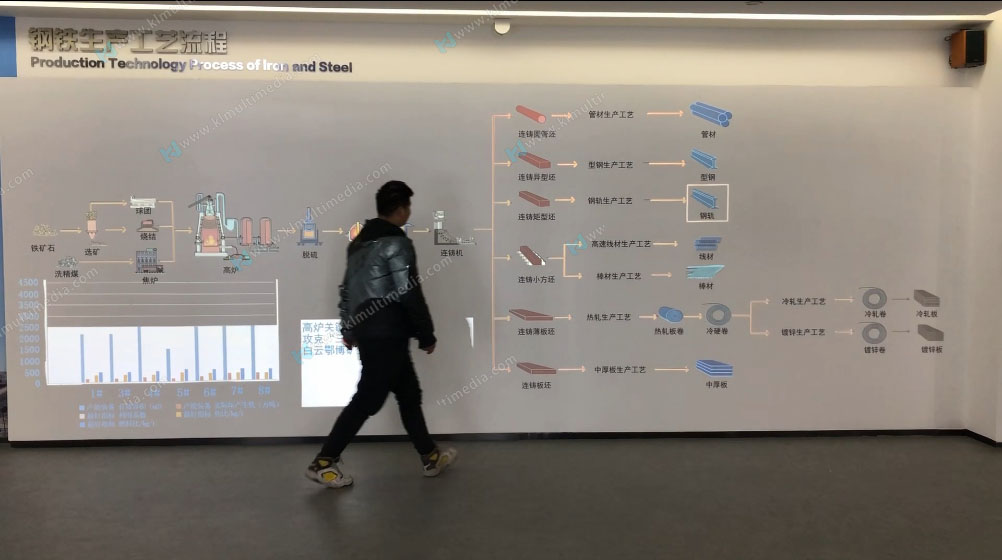
Product production data
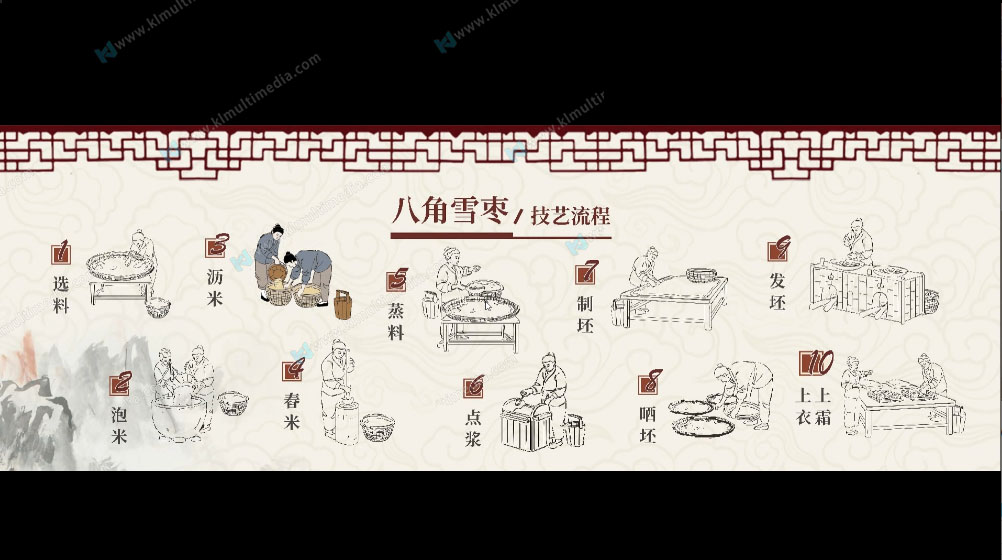
Food production process
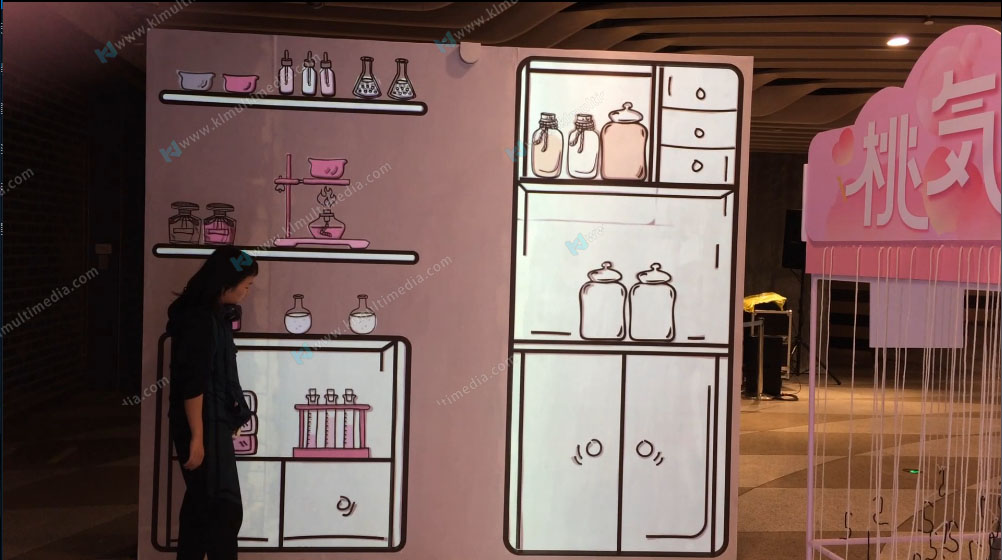
Science lab
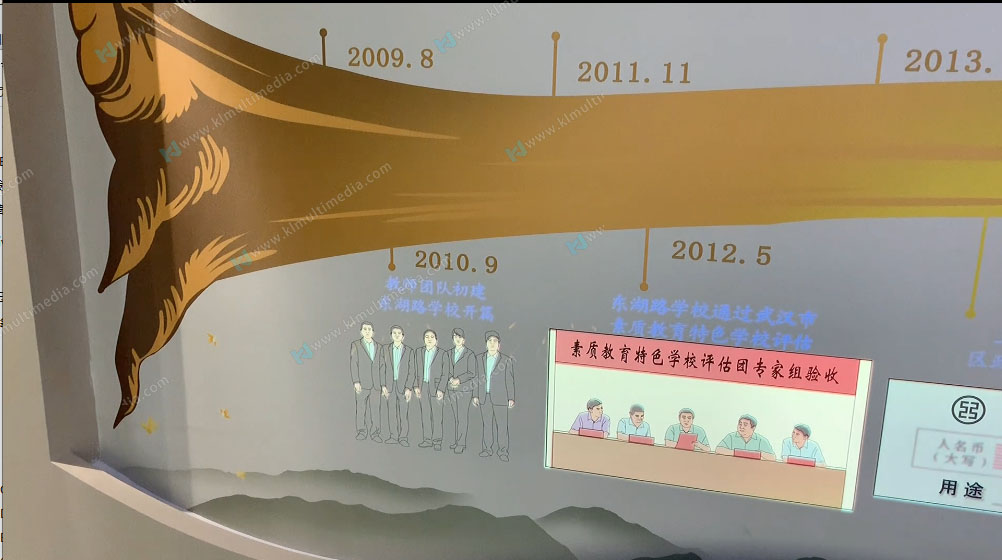
Time events
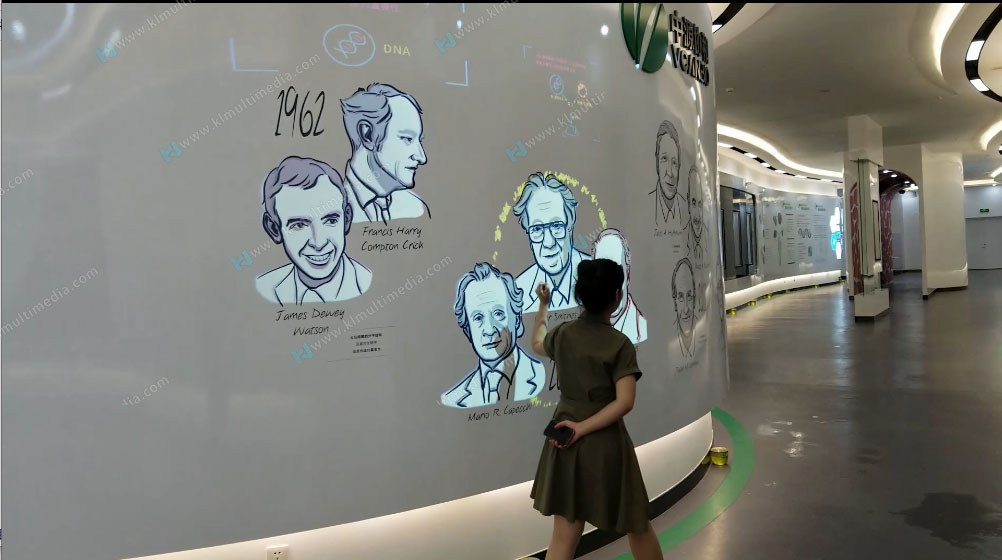
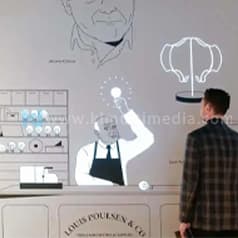
Character introduction
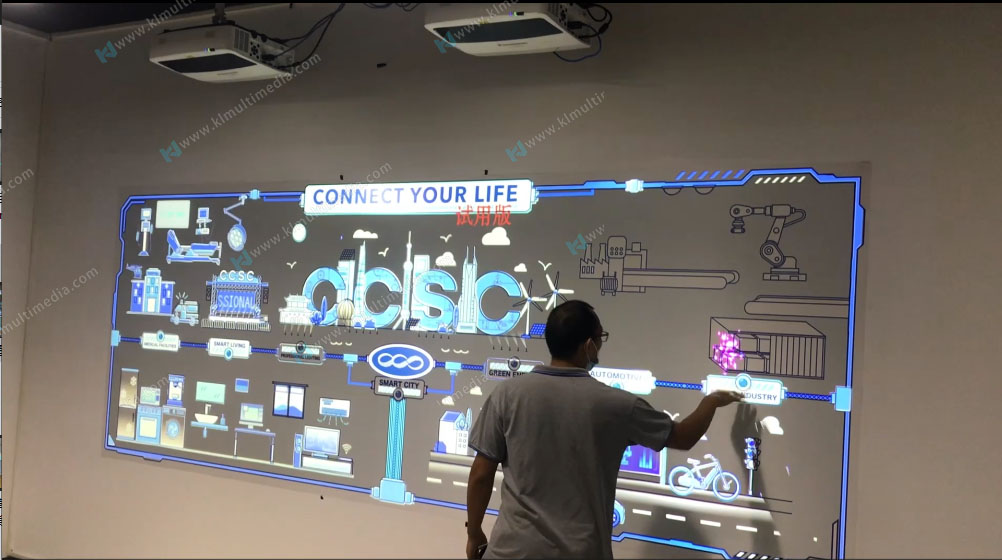
Smart city
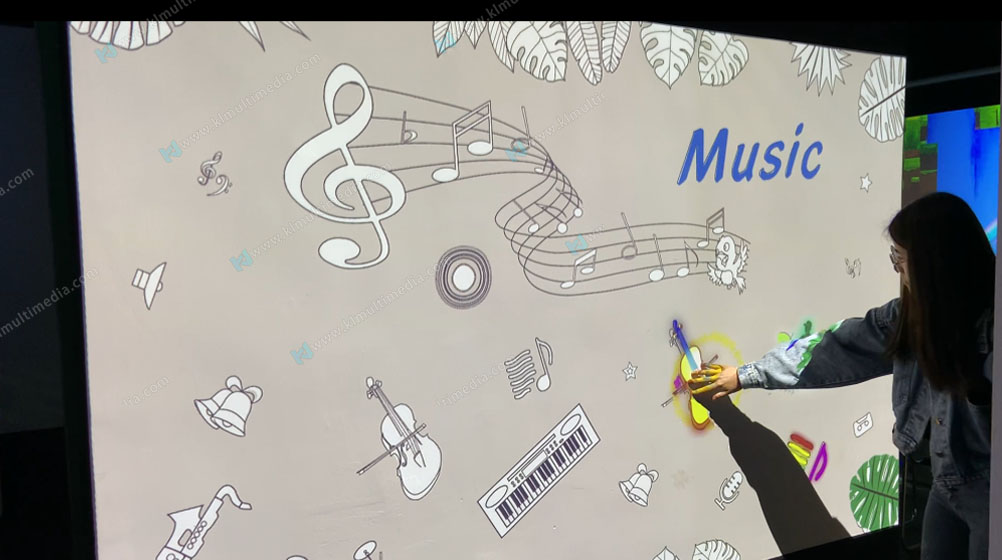
Instrument wall for kids
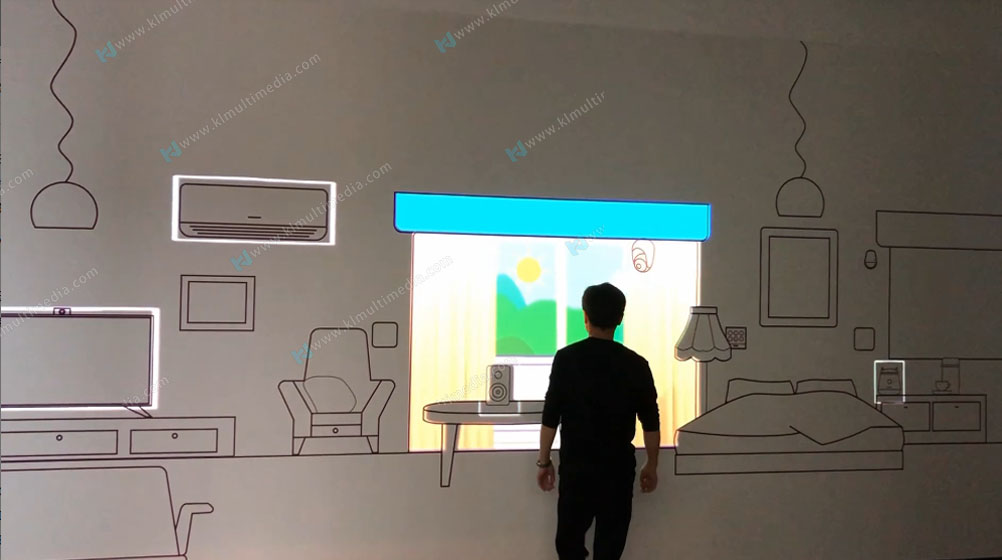
Creative design
| Display Products | Combine Other Device |
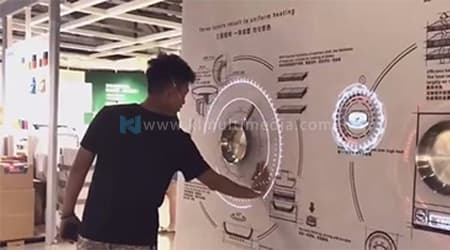 | 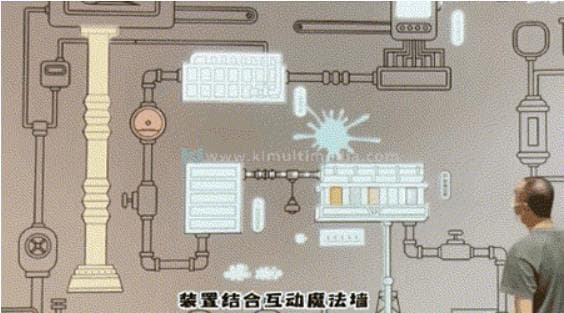 |
| The animation can surround the actual object, and there will be a more exciting and impressive combination of virtual and natural effects. | It can be combined with other types of trigger interactions |
| Display With Monitor | |
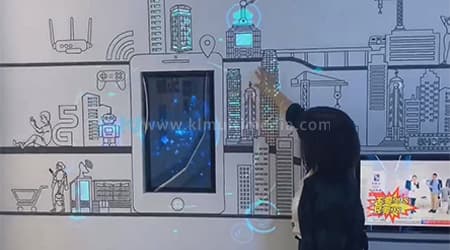  | |
| The screen can be used to display more information videos, and the screen embedding and animation echo each other so that the information display can be extended from simple animations to detailed explanation videos and query software, etc. |
We also free provide the effect production software, you can make the effect by yourself, and you can do everything below by yourself, and not need a programmer :
Custom background
Touch to produce special effects
Scene elements
Easy operation

| 1 | Projector support any resolution projector,It is recommended to use a short-throw projector for the ground. |
| 2 | PC Control the software, can support booting the software to start automatically. |
| 3 | Sensor Detect interactive signals and transmit them to interactive software. |
| 4 | Projector screen Projector screen displays the computer image signal; you can choose to paste wallpaper or not to paste the wallpaper. |
| Projection display area and resolution: | Unlimited |
| You prepare kits: | computer, display device, touch sensor, cables, and blending software, wallpaper. |
| Ambient light: | Moderate or less |
| OPS computer: | [CPU]: I5-10400F [Motherboard]: MSI [RAM]: 8G [Hard Disk]: Solid State 240G [Graphics Card]: NVIDIA Quadro T1000 4GB+ with active MINIdp to HDMI adapter cable*2 [Operating System]: Windows 10 Professional Edition |
 | How to write a maigic wall animation script? |
 | How to see other related products video? |